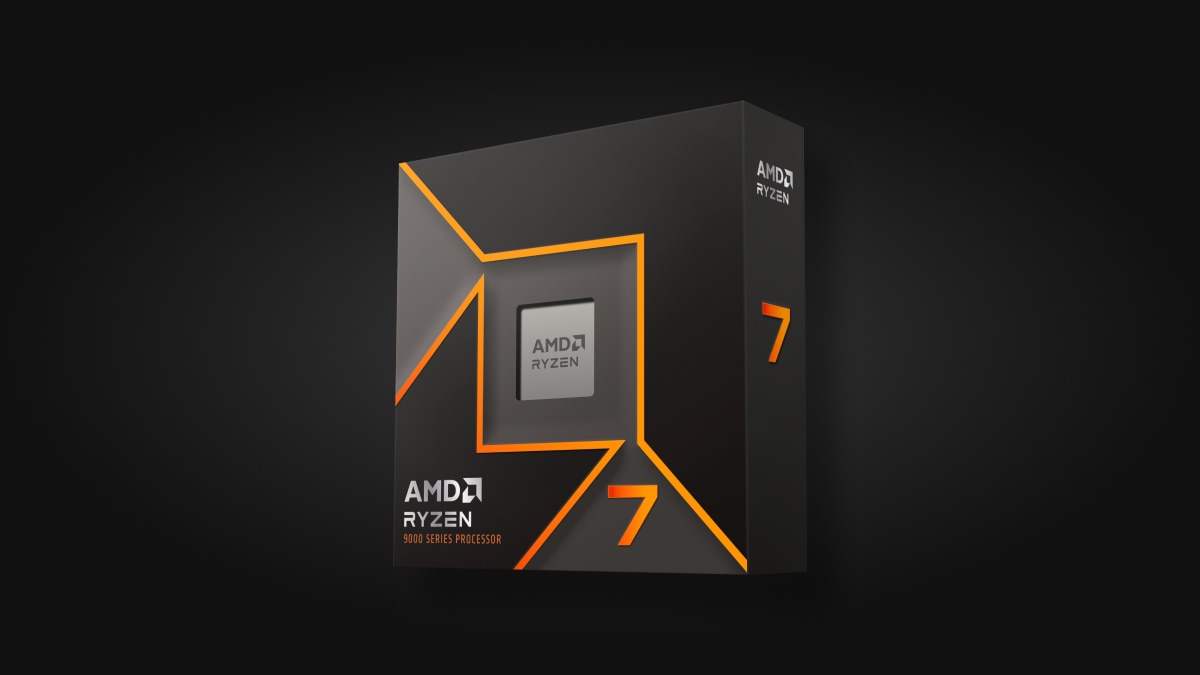
Ryzen 7 9700X
Core i7-14700K
Ryzen 7 9700X vs Core i7-14700K
Which processor should you buy in 2026? Full spec comparison and analysis.
Our Pick: Core i7-14700K
The Core i7-14700K wins this matchup with stronger overall benchmarks. While it costs $60 more, the performance premium is worth it for most users.
Performance Overview
Overall Performance
Gaming
Value for Money
Specifications Comparison
| Specification | Ryzen 7 9700X | Core i7-14700K |
|---|---|---|
| MSRP | $359Win | $419 |
| Cores | 8 | 20Win |
| Threads | 16 | 28Win |
| Base Clock | 3.8GHzWin | 3.4GHz |
| Boost Clock | 5.5GHz | 5.6GHzWin |
| Total Cache | 40MB | 61MBWin |
| TDP | 65WWin | 125W |
| Socket | AM5 | LGA 1700 |
| Architecture | Zen 5 | Raptor Lake Refresh |
| Process Node | 4nmWin | 10nm |
| Integrated Graphics | Radeon Graphics (RDNA 2) | Intel UHD 770 |
| Memory Support | DDR5-5600 | DDR5-5600 / DDR4-3200 |
| PCIe Lanes | 28Win | 20 |
| Unlocked | Yes | Yes |
| Benchmark Score | 58/100 | 74/100Win |
| Gaming Score | 78/100Win | 76/100 |
| Value Score | 75/100Win | 65/100 |
| $/Gaming PointMSRP ÷ Gaming Score · Lower is better | $4.60Win | $5.51 |
Frequently Asked Questions
Is the Ryzen 7 9700X better than the Core i7-14700K?
The Core i7-14700K comes out ahead. It scores 74/100 in multi-threaded workloads and 76/100 in gaming versus 58/100 and 78/100 for the Ryzen 7 9700X. The Ryzen 7 9700X features 8 cores/16 threads on Zen 5 while the Core i7-14700K has 20 cores/28 threads on Raptor Lake Refresh. Cache sizes differ significantly too: 40MB vs 61MB, which directly impacts gaming frame rates.
Which is the better value, Ryzen 7 9700X or Core i7-14700K?
The Core i7-14700K costs $60 more (17% premium) but delivers roughly 28% better performance, making the upgrade worthwhile if your budget allows it. Our value scores reflect this: Ryzen 7 9700X gets 75/100 and Core i7-14700K gets 65/100. If you are building on a tighter budget, the Ryzen 7 9700X at $359 is the smarter buy. If you can stretch to $419 and want the extra performance, the Core i7-14700K justifies its price for demanding workloads.
Ryzen 7 9700X vs Core i7-14700K for streaming and content creation?
For streaming and content creation, core/thread count and multi-threaded performance matter most. The Ryzen 7 9700X (8C/16T, benchmark score 58/100) trails the Core i7-14700K (20C/28T, 74/100) in multi-threaded rendering and encoding. Both have enough cores to handle gaming plus OBS streaming simultaneously. For pure productivity tasks like video editing and 3D rendering, the higher benchmark score translates directly to faster export times.
Ryzen 7 9700X vs Core i7-14700K -- which is better for gaming?
Gaming performance depends heavily on cache and single-thread speed. The Ryzen 7 9700X (5.5GHz boost, 40MB cache) scores 78/100 in gaming versus the Core i7-14700K's 76/100 (5.6GHz, 61MB cache). The Ryzen 7 9700X's higher gaming score reflects better real-world frame rates across AAA and esports titles.
What GPU should I pair with the Ryzen 7 9700X or Core i7-14700K?
The Ryzen 7 9700X (gaming score 78/100) pairs well with a RTX 5070 Ti, RTX 5070, or RX 9070. The Core i7-14700K is best matched with a RTX 5070 Ti, RTX 5070, or RX 9070. Pairing a high-end CPU with a mid-range GPU (or the reverse) creates a bottleneck that wastes money. Match the CPU tier to the GPU tier for the best overall experience.
Is the Core i7-14700K worth it in 2026?
The Core i7-14700K is still a strong choice in 2026. Its 20-core/28-thread configuration on Raptor Lake Refresh handles modern games and productivity workloads well. While the LGA 1700 platform is mature, prices have dropped and the ecosystem is well-proven. At $419, it is a premium pick justified by top-tier performance.
Should I wait for next-gen or buy the Ryzen 7 9700X now?
The Ryzen 7 9700X at $359 is a strong value right now. Both AMD Zen 5 and Intel Arrow Lake are available, so the current generation covers every modern workload well. AM5 boards will support future AMD chips, so the platform investment is not wasted. Buying now gets you gaming and working today rather than waiting for incremental future gains.
Do the Ryzen 7 9700X and Core i7-14700K use the same motherboard?
The Ryzen 7 9700X uses the AM5 socket while the Core i7-14700K uses LGA 1700. These use different sockets, so they require different motherboards. This means switching from one to the other is a platform change -- you will need a new board and potentially new RAM. The Ryzen 7 9700X supports DDR5-5600 memory and the Core i7-14700K supports DDR5-5600 / DDR4-3200.